Audiobook Studio app icon

Turn loose audio files into proper audiobooks

Drop in a folder of MP3s — get back one clean M4B with real chapter markers, cover art, and complete metadata. Often without re-encoding a single sample.

Coming soon to the App Store for Mac, iPhone, and iPad.

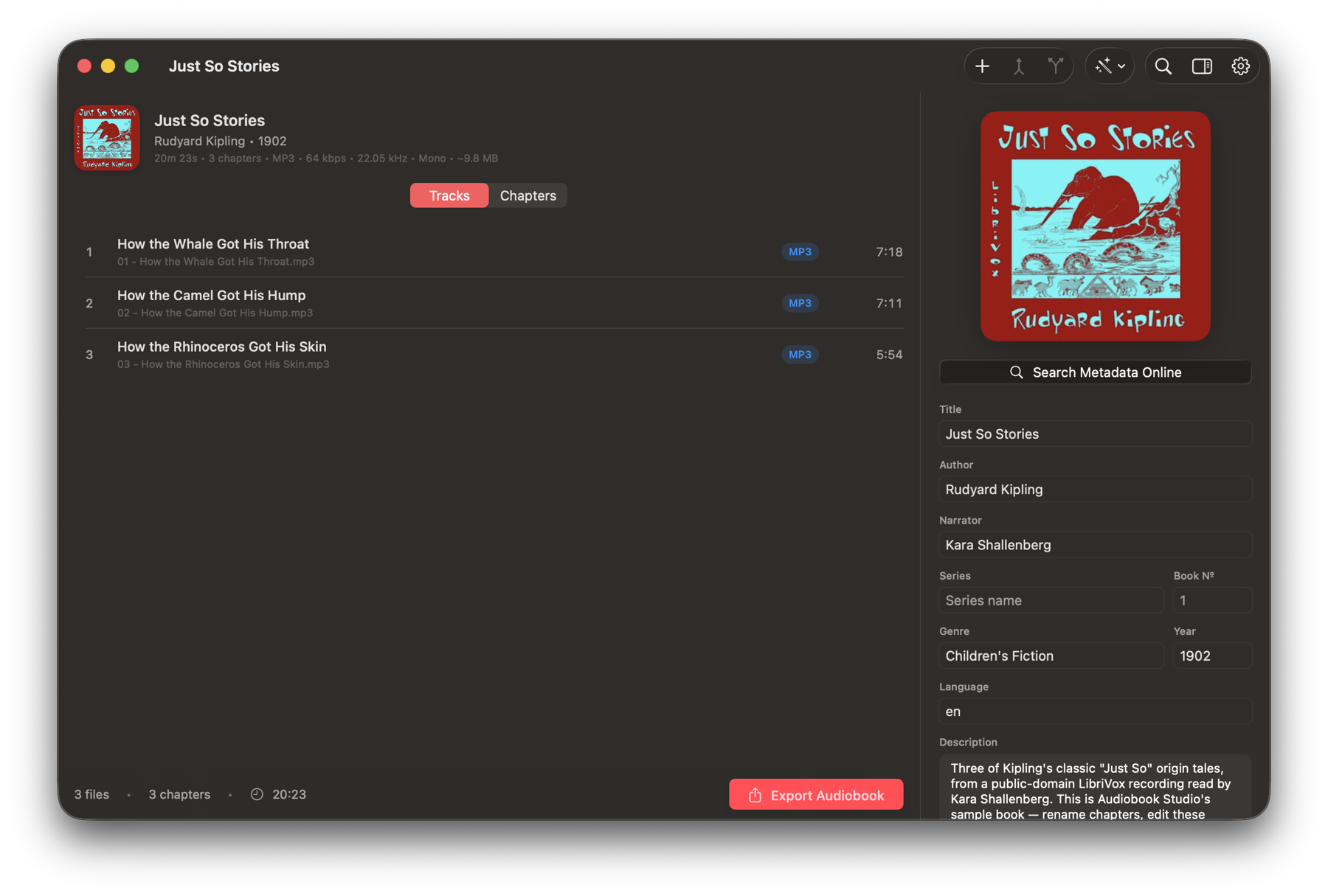
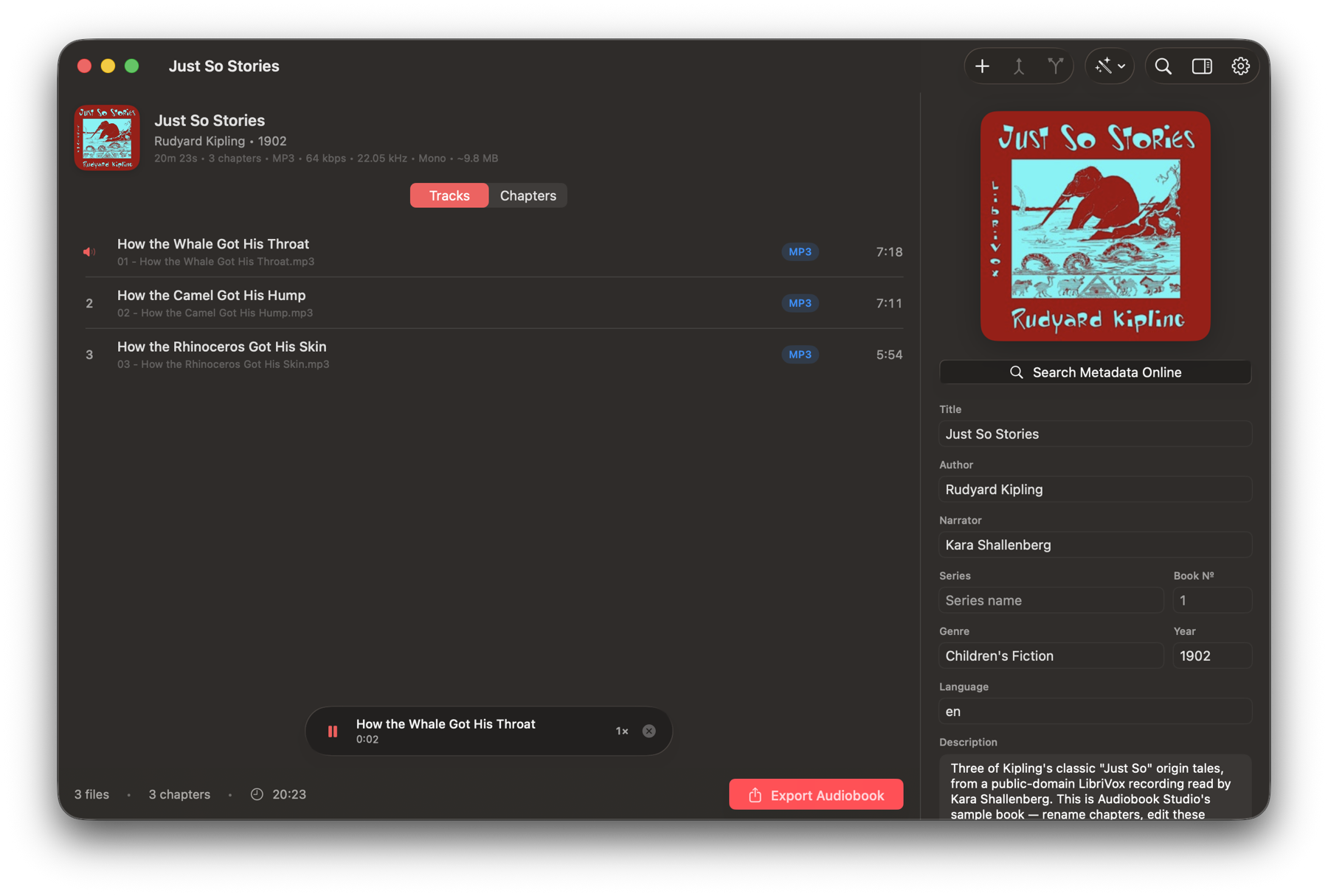
Audiobook Studio on Mac showing a book with cover art, live statistics, and a track list
Lossless merging, near-instant exports
True M4B with QuickTime + Nero chapters
Everything happens on your device
Why it matters

A real M4B, not an MP3 in a trench coat

Many converters wrap your audio in an M4A and rename it. Apple Books can tell the difference — that's how audiobooks end up chapterless, lose your place, or get filed under Music. Audiobook Studio writes a true M4B container from the first byte.

Loose MP3s Renamed M4A Audiobook Studio
Container brand ✕ No container △ Claims to be M4A ✓ True M4B major brand
Chapter markers ✕ One file per chapter △ One format, if any ✓ QuickTime + Nero
Remembers your place ✕ Rarely △ Unreliable ✓ Always
Metadata & sort tags ✕ Fragmented △ Minimal ✓ Complete, incl. sort tags
Lands in Apple Books ✕ Goes to Music △ Unpredictable ✓ Filed as an audiobook
Classic iPod playback △ No chapters ✕ Often breaks ✓ Dedicated iPod mode
Features

Everything a proper audiobook needs

Built around one idea: get from messy files to a clean book with the least fiddling — and zero quality loss whenever possible.

⚡️

Lossless merging

MP3 and AAC sources are merged bit-for-bit — no re-encode, no generation loss, and exports that finish in seconds.

🔖

Chapters that stick

Writes both QuickTime and Nero chapter formats, so every player — Apple Books, CarPlay, Plex, iPods — sees your chapters.

🔍

Metadata, found for you

Search Audible, Apple Books, and Google Books for the title, author, narrator, series, description, and cover art.

📑

Real chapter lists

Pull the actual chapter titles and timings for your book from Audible's catalog and snap them to silences in your audio.

〰️

Silence detection

One long file with no structure? Analyze it once and carve chapters at the pauses — with live, instant re-tuning.

▶️

Preview before you export

Click any track or chapter to hear the assembled book from that point, at up to 2× speed — across file boundaries.

🖼️

Cover & chapter art

Set a book cover and even per-chapter images. Missing chapter art is filled with the cover automatically.

🎛️

Presets with size estimates

High Detail, Balanced, or Space Saver — each showing the estimated file size before you commit. Full manual control too.

🕰️

Classic iPod mode

One toggle keeps a long book playable as a single file on vintage iPods, picking the best safe sample rate for its length.

✂️

Flexible output

One file, parts of a maximum length, or one file per chapter — plus M4A, MP3, AIFF, and WAV when you need them.

💾

Projects & autosave

Save a book in progress and pick it up later. Your session is restored automatically if you close the app mid-edit.

🔒

Private by design

Your audio never leaves your device. No accounts, no uploads, no tracking — metadata search is the only thing that goes online.

How it works

From folder to finished book in five steps

You drop the files. Audiobook Studio handles the fussy parts.

1

Drop your audio in

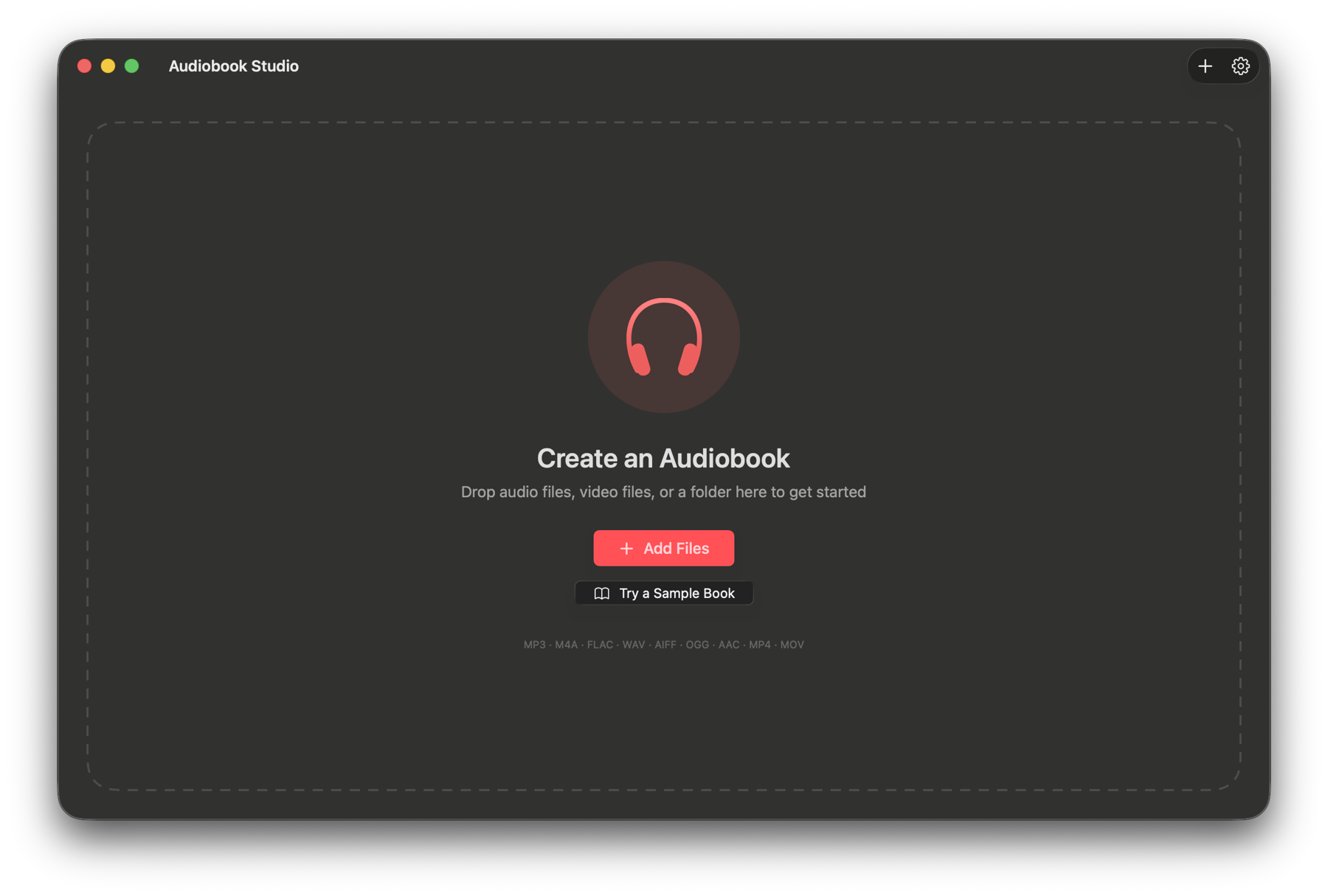
Drag in files or whole folders — MP3, M4A/M4B, FLAC, WAV, AIFF, OGG, Opus, even the audio track of a video. Files are sorted naturally, embedded tags are read, and tidy folder names become title, author, and series.

The drop zone: drag audio files, video files, or a folder to get started
2

Let the internet fill in the details

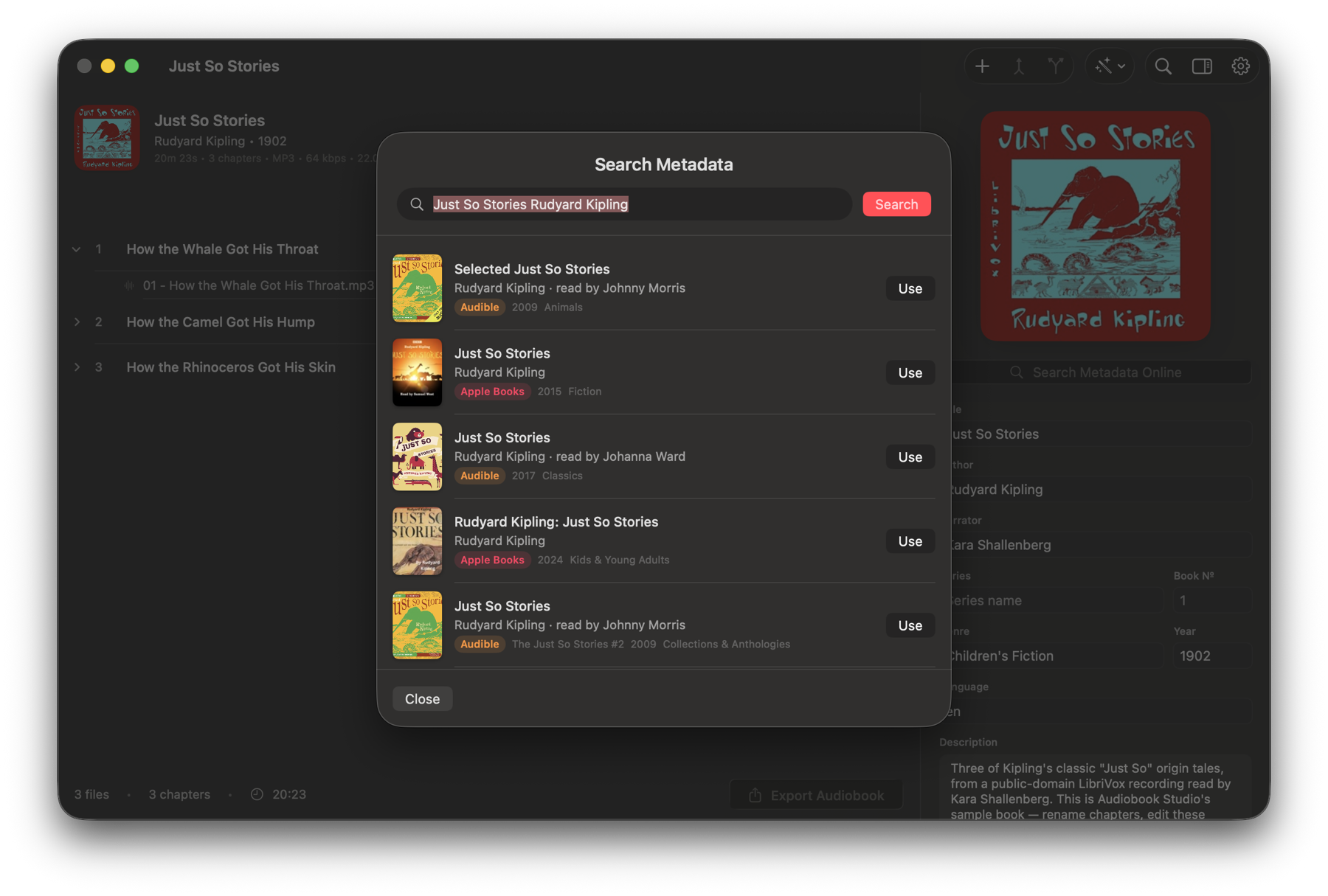
One search across Audible, Apple Books, and Google Books brings back the real cover, narrator, series, year, and description. Pick a result and every field fills itself.

Metadata search showing live results from Audible and Apple Books with covers
3

Shape the chapters

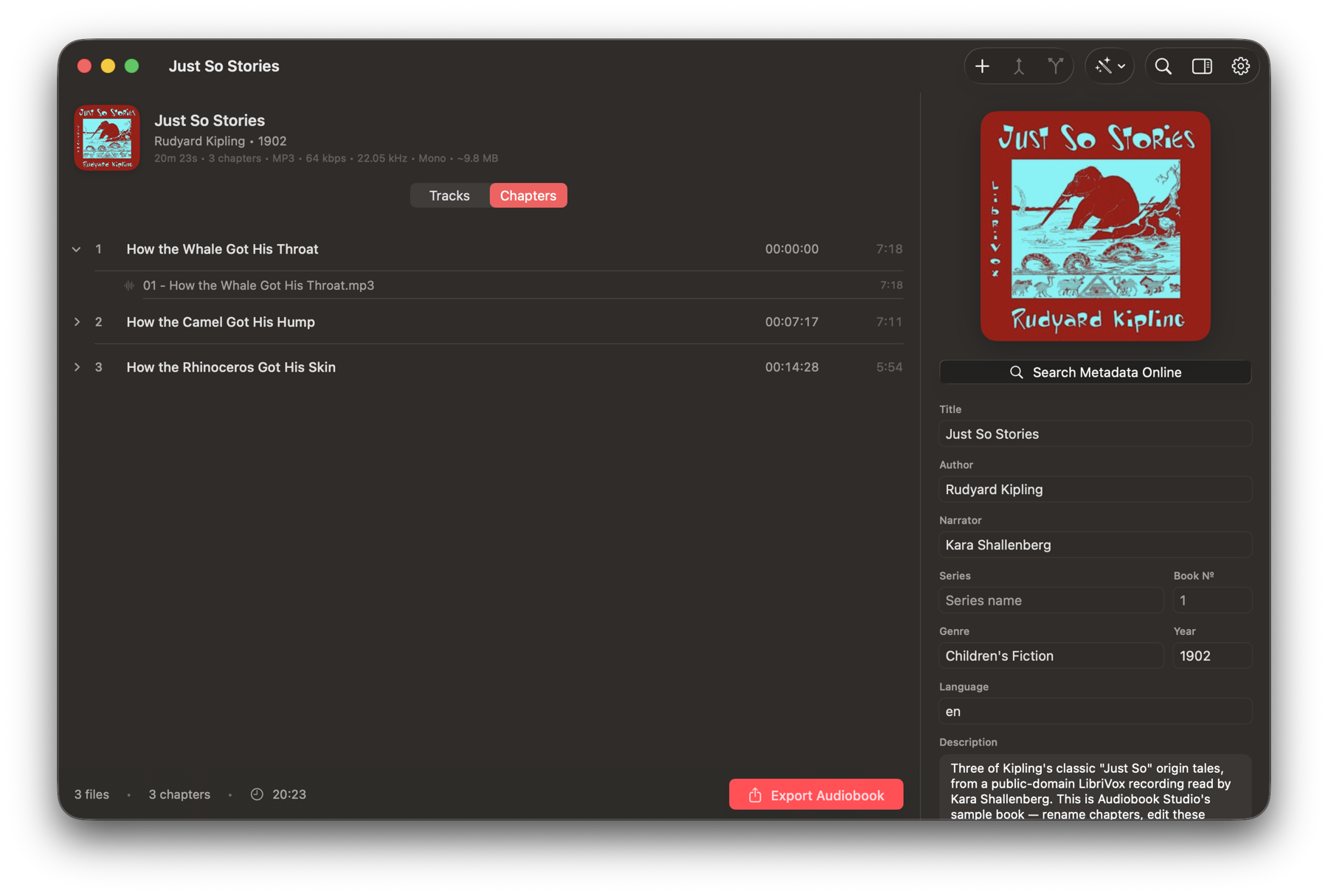
Each file becomes a chapter — rename inline, merge files with Join, split them back apart, or expand a chapter to see exactly which files are inside. Prefer automation? Detect chapters from silence, import a CUE sheet, or apply Audible's real chapter list.

Chapter list with disclosure rows showing the files inside each chapter
4

Hear it before you commit

Click any row and the assembled book plays from that exact point — across file boundaries, exactly as the export will sound. A floating mini-player keeps speed and position at hand.

Preview playback with an animated speaker on the playing row and a floating mini player
5

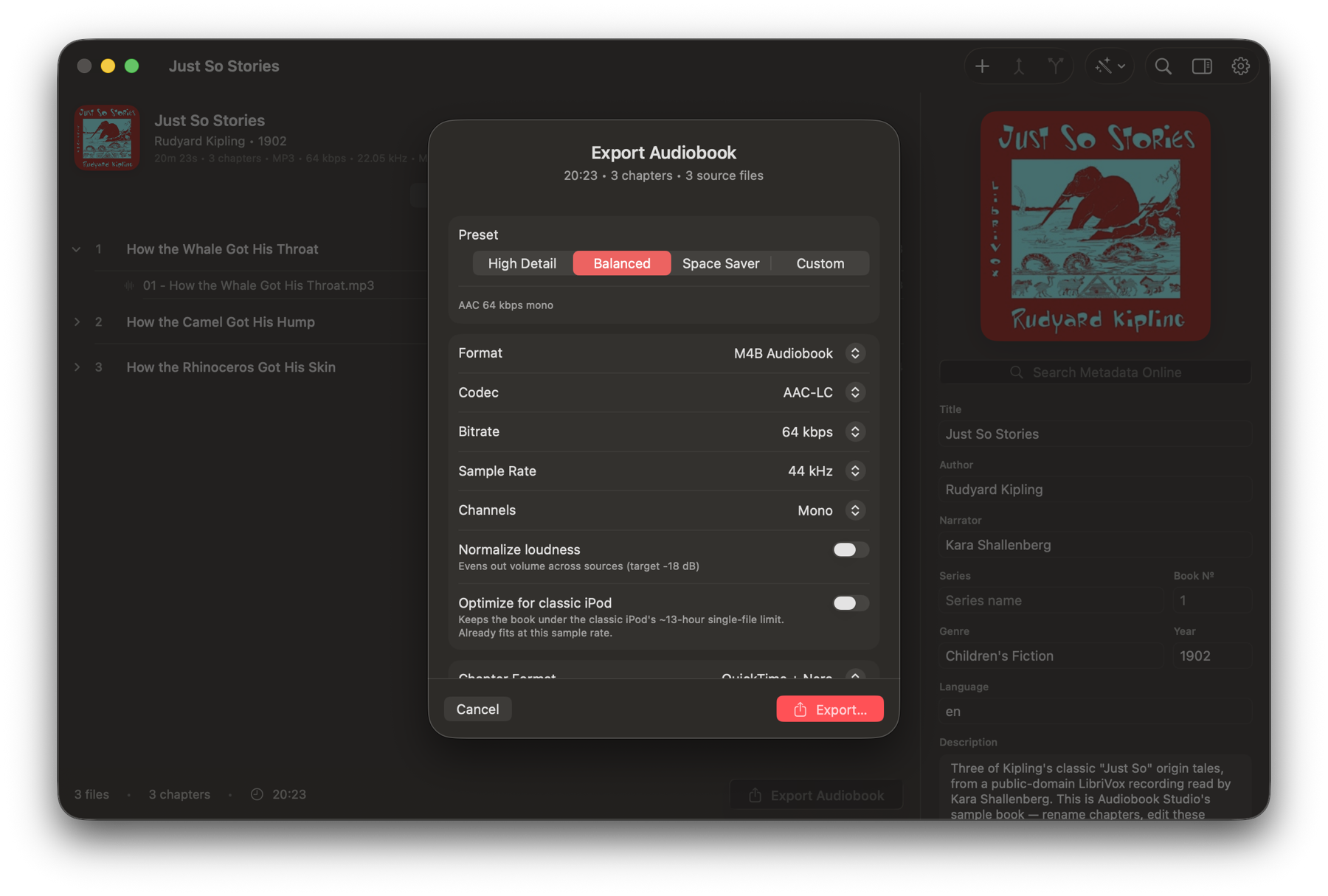
Export a real M4B

Pick a preset — or go fully manual — and see the estimated size before you export. When your sources allow it, the merge is bit-perfect lossless and takes seconds, not minutes.

Export sheet with quality presets, custom settings, and an estimated output size
Try it instantly

A real audiobook is built in

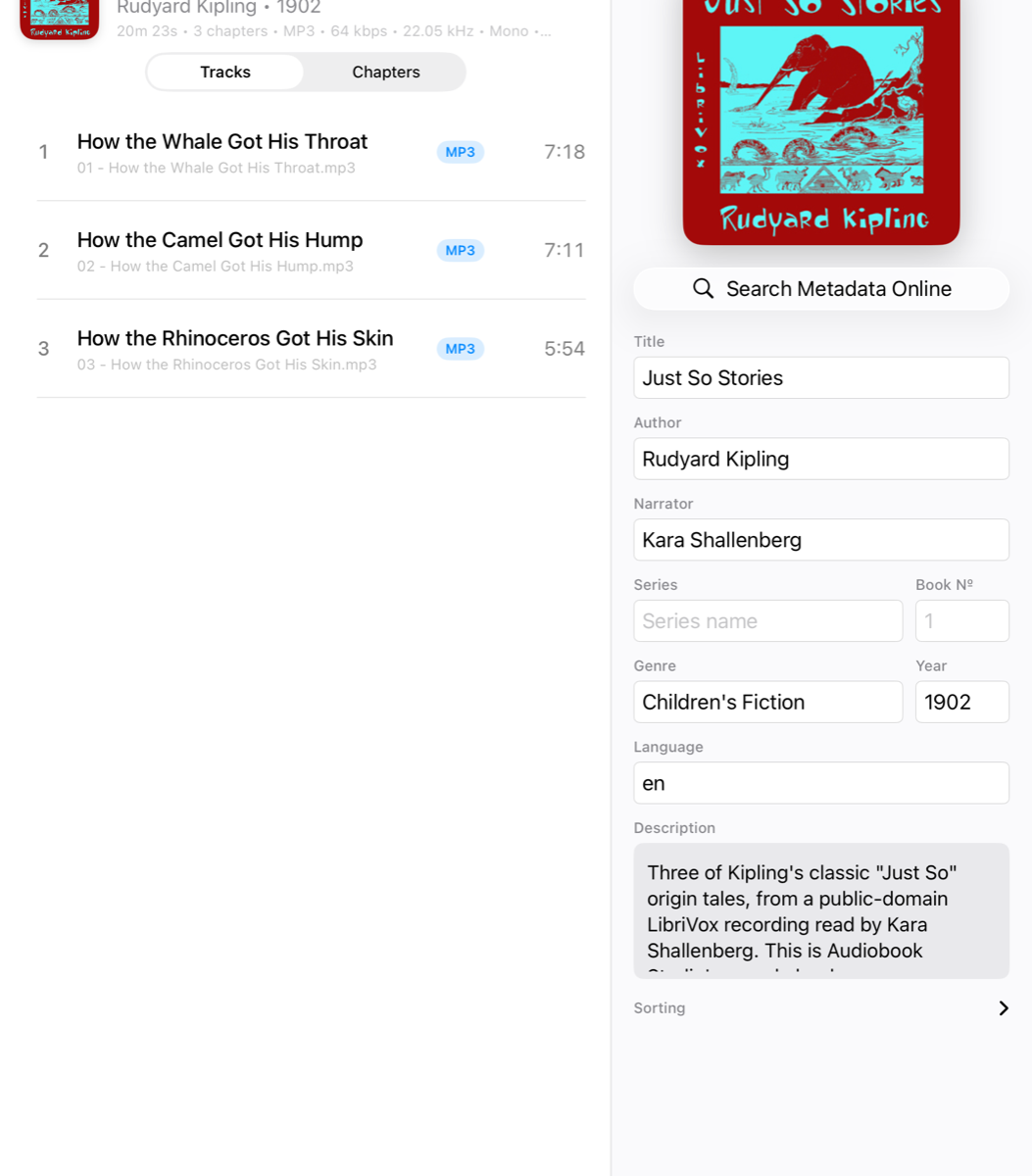
No files handy? One tap loads a complete public-domain audiobook so you can explore every feature — then export the result and keep it.

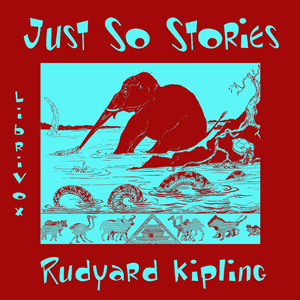
Just So Stories cover — LibriVox recording

Just So Stories

  • 3 chapters
  • 20 min of narration
  • M4B export ready
  • 1902 first published

Rename the chapters, swap the cover, preview the narration, and export a finished M4B — the whole workflow on real audio, before you commit a single file of your own.

Public-domain recording courtesy of LibriVox.

Mac · iPhone · iPad

The same engine, everywhere

One codebase builds every edition, so the M4B that comes out of your iPhone is byte-for-byte as correct as the one from your Mac. Exports even keep running on iOS when you switch apps.

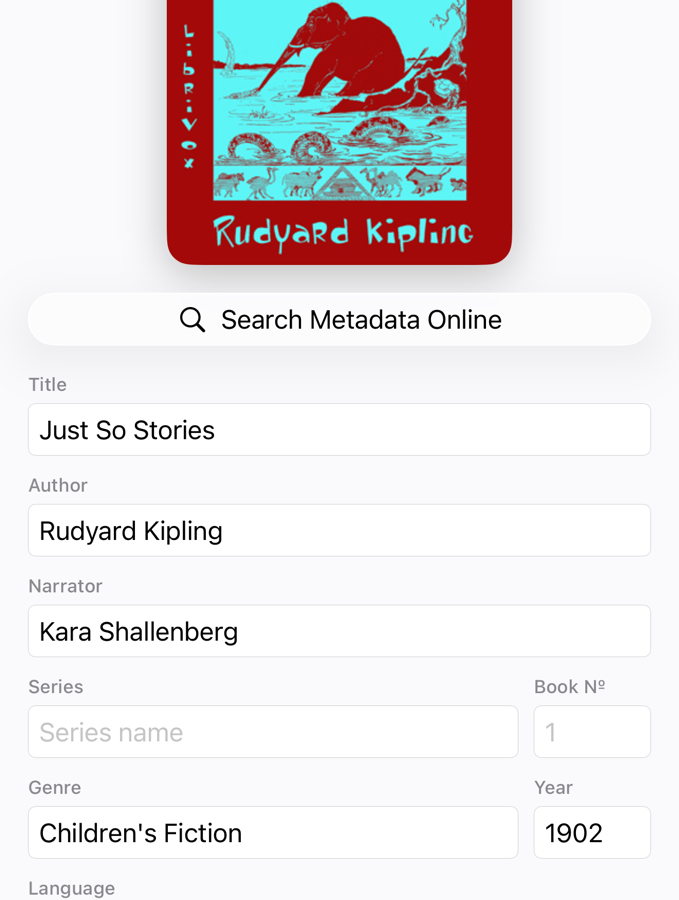
Audiobook Studio on iPhone showing book details and cover art

Book details on iPhone

Cover, metadata, and search in one tab.

Audiobook Studio on iPhone showing the track list

Tracks & chapters on iPhone

The whole workflow, one hand.

Audiobook Studio on iPad with the Mac-style split layout

Split view on iPad

The Mac-style layout, touch-first.

See what's extra in the Mac app →

FAQ

Questions, answered

What formats can I import?

MP3, M4A, M4B, AAC, FLAC, WAV, AIFF, OGG, Opus, CAF — and the audio from video files like MP4, MOV, and MKV. You can mix formats freely in one book.

When is an export lossless?

When all your sources are MP3, or all are AAC in MP4-family containers, with matching sample rates and channel counts, Audiobook Studio copies the audio frames bit-for-bit into the new file. No re-encode, no quality loss — and it's nearly instant. The export sheet tells you when a lossless merge is possible.

Will chapters show up in Apple Books? CarPlay? My iPod?

Yes. Audiobook Studio writes chapter data in both of the formats players actually read — QuickTime chapter tracks and Nero chpl atoms — and stamps the file with a true M4B container brand so it's recognized as an audiobook everywhere.

Can it fix a single giant file with no chapters?

That's a specialty. Detect chapters from the silences in the narration, import timestamps from a CUE or text file, or fetch the book's real chapter list from Audible's catalog and snap each marker to the nearest pause.

Does my audio get uploaded anywhere?

No. All audio processing happens on your device. The only network requests are the optional metadata and chapter lookups, which send just your search text or the book's catalog ID.

What's different about the Mac app?

The Mac edition adds drag-and-drop import, multi-window projects, MP3 encoding, and optional xHE-AAC export for roughly half-size files. See the Mac page for details.

Your library deserves proper audiobooks

Coming soon to the App Store for Mac, iPhone, and iPad.